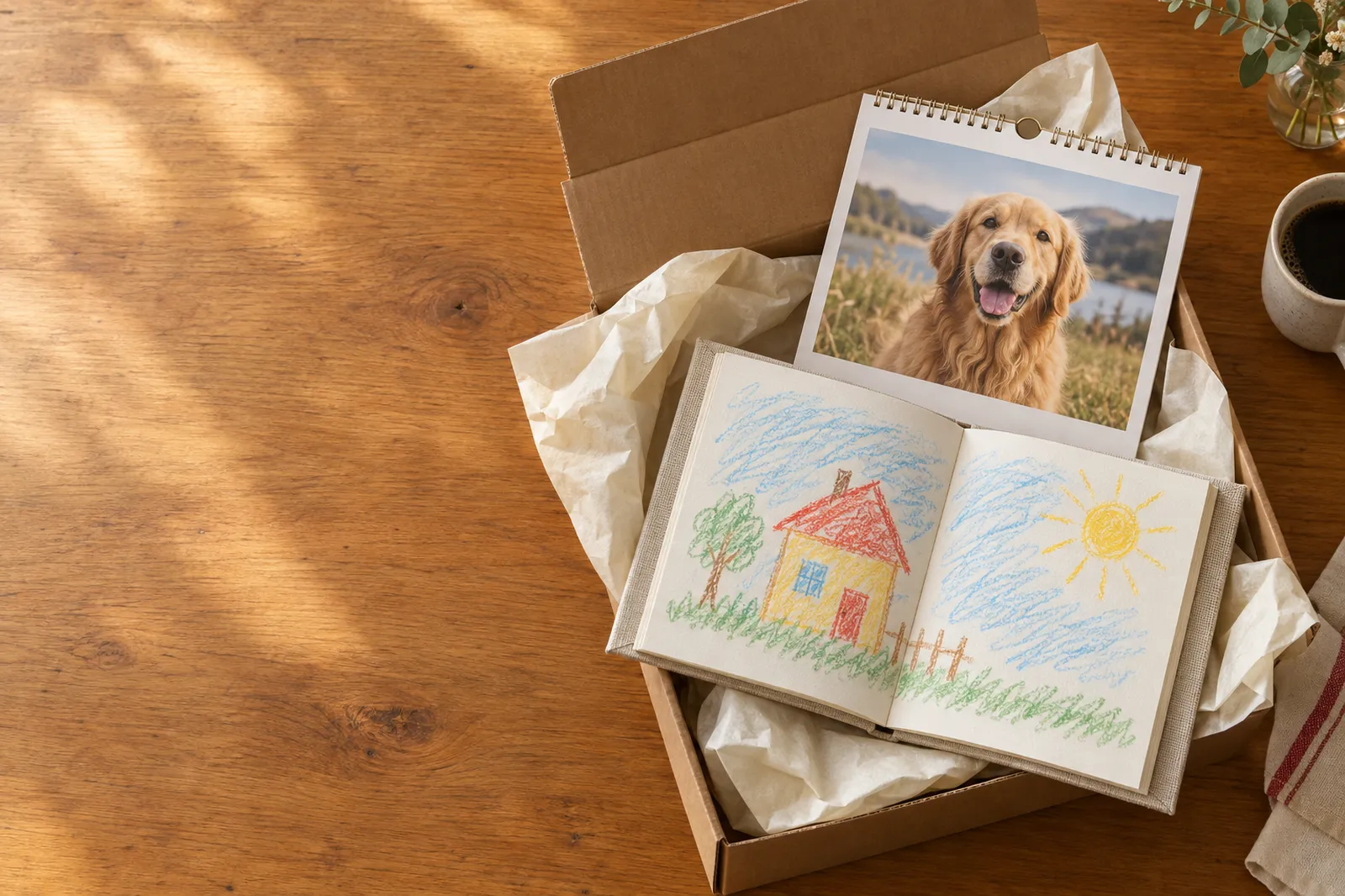
Printed and shipped to the door
Upload kids’ art, family photos, pet pictures or Grandma’s recipe cards from your phone. We print a real book or calendar and mail it to you, or straight to Grandma and other special people.
Three steps from your phone: upload your photos, edit them, and check out.
Each one starts the same way: open the page on your phone, tap to add photos, flip through the proof, and check out.
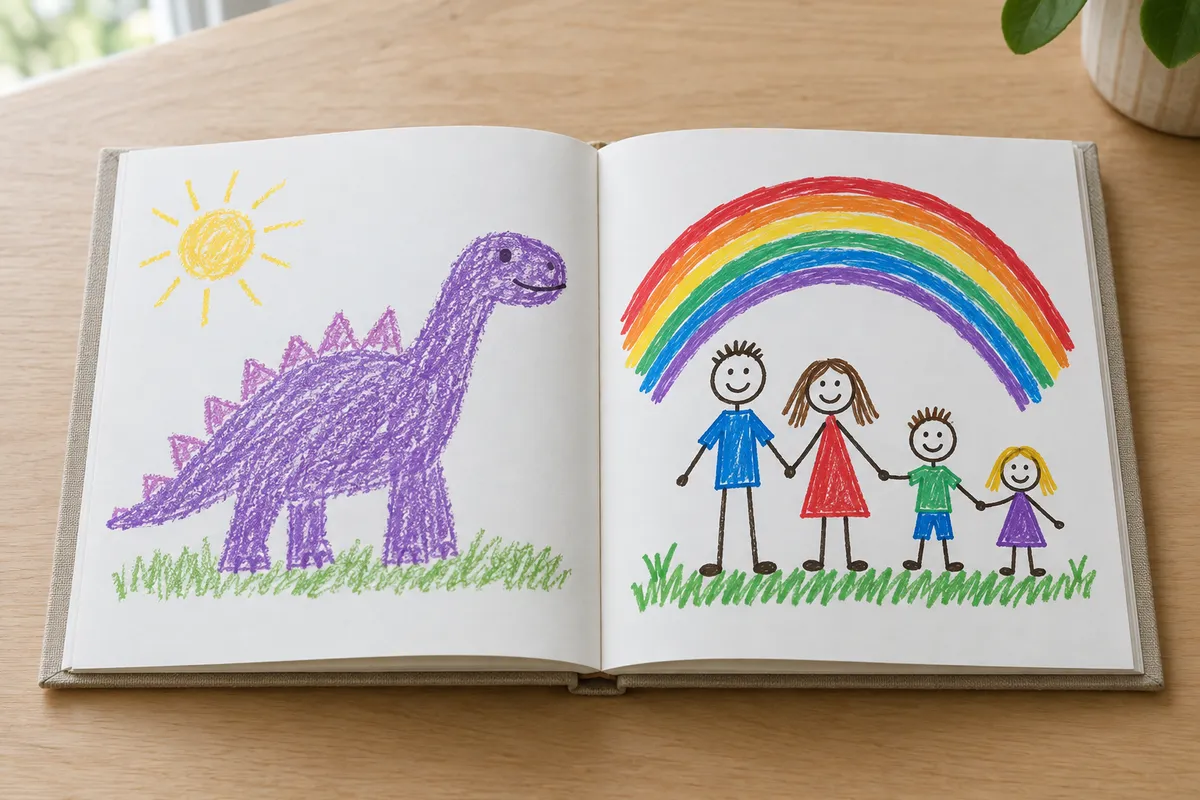
The fridge is full and the drawer is fuller. Photograph each piece, and we print an 8.5 × 8.5 book that never crops a crayon line. 24 pieces included, up to 100.
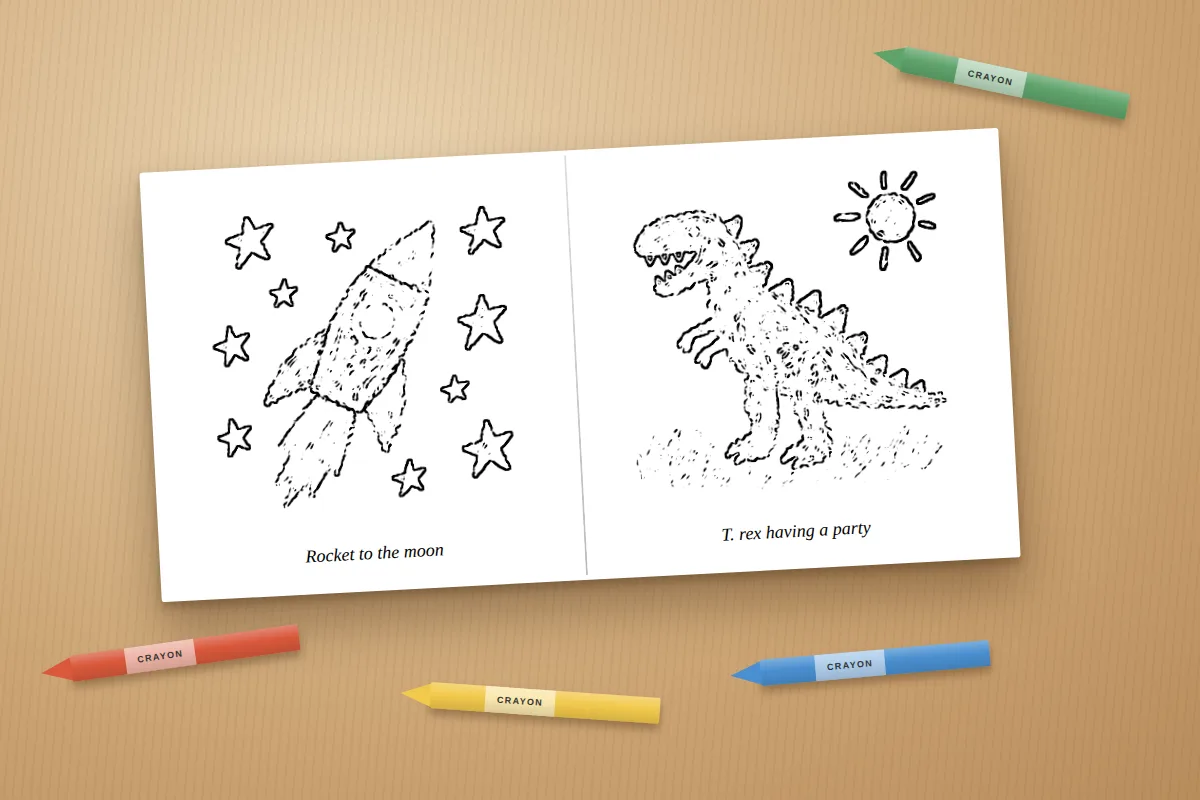
Their own drawings, turned into outlines they can color in. Black and white pages, 30 drawings included.
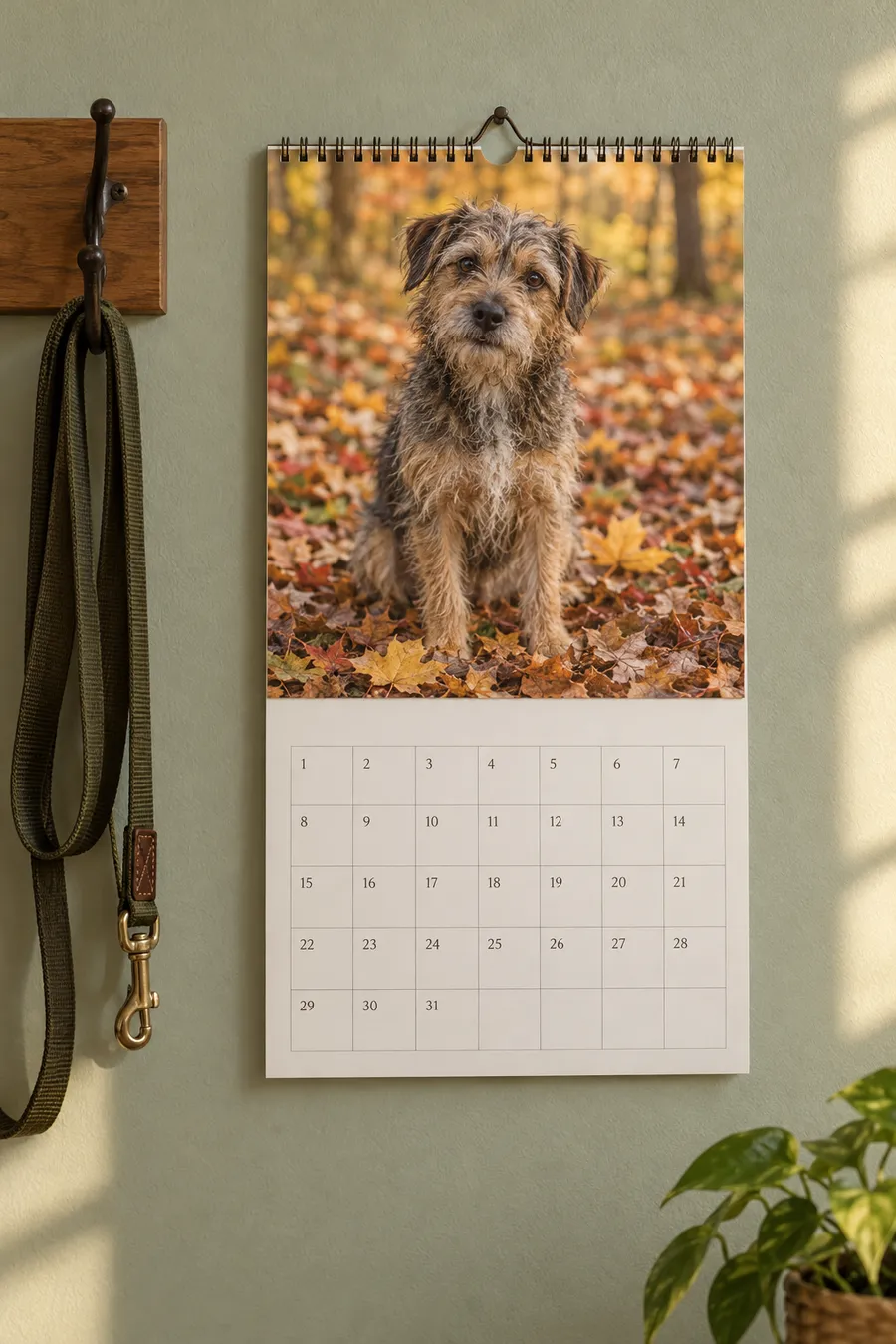
Your family, your pets, your favorite moments. Crop, edit and adjust colors before printing.
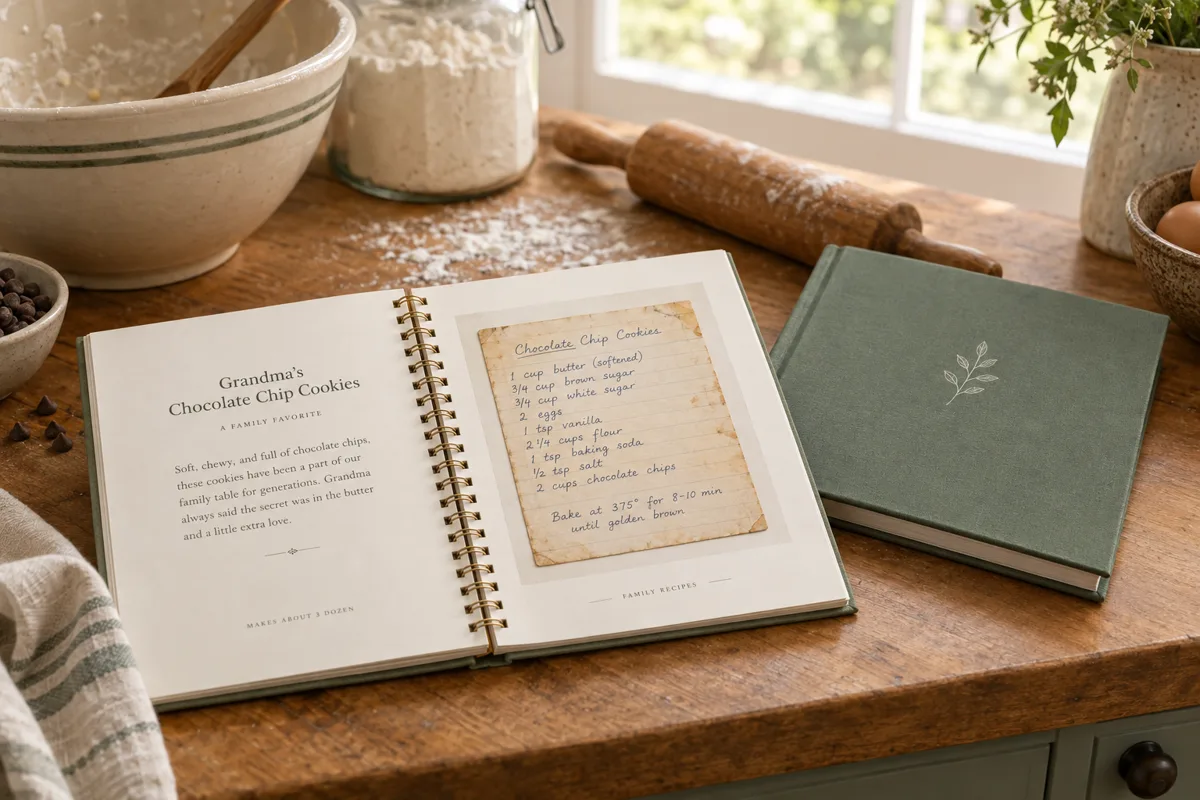
Photograph Grandma’s recipe cards, Grandpa’s notes or your own. We print the real handwriting in a book, and you get a free digital copy. 30 recipes included.
No app to download and no account to set up. Ordinary photo editing happens in your browser. Optional AI coloring conversion sends the selected photo to an image service before checkout; print files are uploaded when you order.
Tap to pick from your camera roll. We flag any photo that might print soft before you pay for it.
Drag to reorder, add titles, names and dates. The preview is the real print layout.
Flip through every page, then check out. A press-ready print file is built automatically.
A partner photo lab prints, packs and ships it. Tracking comes by email.
Printing and binding are included. Shipping is $6.99 per order, free on orders of $60 or more. Items may arrive separately.
| Product | What you get | Price |
|---|---|---|
| Kids’ Art Book, softcover | 8.5 × 8.5 in, 24 pieces of art included, $0.75 per extra piece up to 100 | $34 |
| Kids’ Art Book, hardcover | Same book with a matte wrapped hard cover | $49 |
| Coloring Book | 8.5 × 8.5 in softcover, black and white pages, 30 drawings included, $0.50 per extra drawing up to 100 | $18 |
| Family & Pet Photo Calendar | 11 × 8.5 in wall calendar, opens to 11 × 17, 12 months, 13 photos | $32 |
| Family & Pet Photo Calendar, 18-month | Same size and binding, 18 months, 19 photos | $38 |
| Family Recipe Book, lay-flat coil | 8.5 × 8.5 in, 30 recipes included, $0.75 per extra recipe up to 100, free digital copy | $44 |
| Family Recipe Book, hardcover | Same book with a hard cover, free digital copy | $54 |
Short answers. See the full FAQ for more, and the checkout page shows the full cost before you pay.
Lay each piece flat near a window, hold your phone straight above it and take the photo. No flash, no scanner. The book prints the whole page, so nothing gets cropped.
Anything straight from a recent phone camera is plenty. If a photo is small (like a screenshot or a saved text message), we mark it “May print soft” so you can swap it.
Yes. Put the recipient’s shipping address at checkout and use your own email for order updates. Printed gift-note inserts are not available.
Your photos and cart stay in the open tab, and nothing is uploaded until you order. Moving between pages on the site keeps everything, but closing or reloading the tab clears it. The page asks first, so you won’t lose an order by accident.
Yes. Add each one to the cart and check out once, with one shipping charge. Items may arrive separately. A softcover book plus a calendar comes to $66, so shipping is free.
Most orders print in 2 to 5 business days, then ship by tracked mail. Plan on about a week and a half to the door.
Photograph the art with your phone and we print an 8.5 × 8.5 book that never crops a single crayon line. No box to mail in, no waiting months. Softcover from $34.

Good to know
A phone camera is all you need. These four habits make the difference between a scan-quality page and a blurry one.
Everything else is in the FAQ.
No. Art is always fit inside the page with a clean white border, whatever shape the paper is.
Books need at least 24 interior pages. If you have fewer pieces, we add a few “room for the next masterpiece” pages at the end.
Yes. Set the number of copies on the options step. All copies ship to the address you enter at checkout.
Books and calendars share one cart. Orders over $60 ship free.
Photograph the drawings with your phone and we turn each one into clean black and white outlines, printed in a real 8.5 × 8.5 softcover. Your kid colors their own art. $18 with 30 drawings, shipped to your door.

Good to know
The outlines come from your photo, so a clear picture gives clean lines. Bold shapes work best.
Everything else is in the FAQ.
Your phone or computer finds the edges of every shape in the photo and draws them as clean black lines on white. It happens in your browser, so your drawings are not uploaded until you order.
It follows the drawing closely, but it is an automatic outline, so very faint, tiny or messy areas can come out patchy. Check each page in the proof and change the style or detail slider before you order. We print what you approve.
Remove it from the book before you order. Pages that are blank or too faint can also be swapped for a “draw your own picture” page that is built in.
Yes. The pages are black and white, and the cover prints in full color with the first drawing on it just as your child drew it.
Books and calendars share one cart. Orders over $60 ship free.
Turn family moments, pet portraits or a mix of both into a calendar. Crop, rotate, brighten and adjust the colors of each photo before printing. Start any month, with real date grids and holidays. $32 for 12 months or $38 for 18 months, plus applicable shipping and tax.

Good to know
Use family snapshots, pictures of your pets or a mix of both. Each photo prints across the landscape-shaped top half of a page.
Everything else is in the FAQ.
Major US holidays like New Year’s Day, Memorial Day, Independence Day, Labor Day, Thanksgiving and Christmas, plus Valentine’s Day, Halloween and Mother’s and Father’s Day. You can turn them off.
Yes. Pick any month from November 2026 through December 2027 and it runs twelve months from there, or eighteen with the 18-month calendar.
Yes. There is a spot for the cover and for each month: 12, or 18 on the 18-month calendar. Tap a month to choose its picture, or add several at once and they fill the empty months in order. Drag between months to swap.
Yes. Use family photos, pet photos or any mix, including several people and pets in one picture. Add your family name, pet names or another calendar title.
Yes. Tap Edit under a photo, or open Crop, edit & color in Design. Photo size on page makes it smaller or larger (25% to 200%). Enlarge / crop zooms into the picture (100% to 400%), and Position left / right and up / down slide the photo or crop to keep faces in view. Fit whole photo shows the full image; Fill frame fills the available space. You can also rotate, adjust brightness, contrast, color intensity and warmth, or choose a preset. Enlarging does not add image detail. Compare with the original and reset at any time. Your originals stay unchanged, and the edits carry into the printed calendar.
Books and calendars share one cart. Orders over $60 ship free.
Photograph the recipe cards in the box, the notes in the margins and the stained page everyone loves. We print the real handwriting in an 8.5 × 8.5 book and give you a free digital copy to share. Lay-flat coil $44 or hardcover $54, 30 recipes included.

Good to know
A phone camera is all you need. The card is printed as it is, handwriting, stains and all.
Everything else is in the FAQ.
The lay-flat coil ($44) opens flat on the counter while you cook. The hardcover ($54) is the one to keep on the shelf or give as a gift. Both are 8.5 × 8.5 inches in full color.
A free PDF of the whole book that you can save from the proof step before or after you order. Send it to family, keep it on your phone in the kitchen, or print a single page.
Yes. Each recipe has its own “from” line, so Grandma’s pie, Grandpa’s pancakes and your own banana bread can share one book.
30 recipes are included. Each extra recipe is $0.75, up to 100. Shipping is $6.99, free on orders of $60 or more.
No. The book keeps the real card in the cook’s own handwriting, which is what families tend to treasure. You type only the recipe name and who it came from.
Books and calendars share one cart. Orders over $60 ship free.
Last updated October 31, 2026
Creating an AI coloring page sends your selected photo through Perplexity's image-generation service using GPT Image 2.5 Flare. Only use photos you have permission to process. The preview worker strips photo metadata, keeps working images in memory rather than writing them to disk, and expires finished server records after about an hour. This local expiry does not describe or control the AI service provider's retention. Generated pages already loaded into your browser remain in that tab. AI can change details, so compare and approve each illustration before using it in a book. You can use the local drawing filters instead without sending a photo for AI conversion.
We don’t sell your information or use it for advertising. This site sets no advertising or tracking cookies. A bot check runs on checkout to keep out automated abuse.
To see, correct or delete your order information or print files, email mweiland42@gmail.com. We’ll confirm once it’s done.
Last updated October 31, 2026
Pass It Down Press is run by Matthew Weiland, a sole proprietor in Burlington, Wisconsin.
Only upload photos and artwork you own or have permission to print. You keep all rights to them. You let Pass It Down Press and its print partner use them only to make and ship your order.
If you explicitly choose AI photo illustration in the private preview, you also authorize the selected photo to be processed by the image-generation service for that conversion. Review the result before approving it: AI may change details and does not guarantee an exact likeness.
We may decline to print content that is unlawful or infringes someone else’s rights, and refund you if we do.
Prices are in US dollars and shown before you pay. Shipping is a flat $6.99 per order and free on orders of $60 or more. Items may arrive separately. Orders shipped to a Wisconsin address include Wisconsin sales tax on the products and shipping, at the state, county and (in Milwaukee) city rate for that address. It’s shown before you pay. Your card is authorized at checkout and charged once the printer accepts the order, usually within a few minutes. If it can’t be printed, the authorization is released. Check your order status or contact us if you need help.
See Shipping and returns. Questions go to mweiland42@gmail.com.
Last updated October 24, 2026
Each item is made from your own photos, so we can’t take returns for a change of mind. If something arrives damaged, misprinted or is lost in the mail, email mweiland42@gmail.com within 30 days of delivery. Include your order number and a photo of the problem. We’ll reprint it or refund you.
Mistakes in the photos or text you supplied, such as spelling or low-resolution images, aren’t covered. The preview before checkout is what we print.
Last updated October 23, 2026
Email mweiland42@gmail.com about an order, a print problem or your information. Include your order number (it starts with KP-) if you have one.
Help
Quick answers first, then more detail below. Still stuck? Email mweiland42@gmail.com.
| Topic | Question | Quick answer |
|---|---|---|
| Getting started | Do I need an account or app? | No. Everything works in your phone or computer browser. |
| Getting started | What can I make? | Kids’ Art Books, Coloring Books, Family & Pet Photo Calendars and Family Recipe Books. |
| Uploading | Can I scan old recipe cards? | Yes. Photograph each card, then use Clean scan to brighten the paper and darken the ink. |
| Checkout | Do I get a digital copy? | Recipe books include a free PDF copy you can save and share with family. |
| Uploading | How do I add photos? | Open a product, tap Start now, then pick photos from your camera roll. |
| Uploading | What photos work best? | Recent phone photos in good light. Small images are flagged “May print soft.” |
| Editing | Can I crop and resize? | Yes. Tap Edit under a photo: Photo size, Enlarge / crop and Position sliders. |
| Editing | Can I fix colors? | Yes. Brightness, contrast, color intensity, warmth, plus Vivid, Warm and Black & white. |
| Editing | Will my original change? | No. Edits apply only to the printed item. Reset all edits any time. |
| Checkout | What does it cost? | From $18. Shipping is $6.99, free on orders of $60 or more. |
| Checkout | Can I send it as a gift? | Yes. Enter the recipient’s address at checkout and your own email. |
| Shipping | How long does it take? | Prints in 2 to 5 business days, then tracked mail. About 1½ weeks total. |
| Returns | What if it arrives damaged? | Email us within 30 days with a photo. We reprint or refund. |
No. Pass It Down Press works in the web browser on your phone, tablet or computer. There is nothing to install and no account to create.
A Kids’ Art Book (softcover $34 or hardcover $49), a black-and-white Coloring Book made from drawings ($18), a Family & Pet Photo Calendar (12 months $32, 18 months $38), or a Family Recipe Book from your recipe cards (lay-flat coil $44 or hardcover $54, with a free digital copy).
Yes. Every product has a Use sample photos button so you can see how the maker works first.
Open the product you want, tap Start now, then tap a spot or Add several photos at once and choose pictures from your camera roll. JPG, PNG and HEIC (iPhone) photos all work.
Lay each piece flat near a window, hold your phone straight above it and take the photo. No flash or scanner needed.
Anything straight from a recent phone camera is plenty. If a photo is small, like a screenshot or a picture saved from a text, we mark it “May print soft” so you can swap it.
Yes. Use the arrows under each photo to move it earlier or later, or tap Replace to swap in a different one.
Tap Edit under any photo. The Crop, edit & color panel opens next to the page preview.
Photo size on page makes it smaller or larger (25% to 200%). Enlarge / crop zooms in up to 400%. Position left / right and up / down slide the photo or the crop to keep faces in view. Fit whole photo shows the entire picture; Fill frame fills the space.
Yes. Tap Rotate 90°, or adjust Brightness, Contrast, Color intensity and Warmth. You can also pick Original colors, Vivid, Warm or Black & white.
No. Your original stays unchanged. Tap Compare original to see the before and after, or Reset all edits to start over.
Enlarging spreads the same detail over a bigger area. If the preview looks soft, enlarge it less or use a sharper photo.
Open Family Recipe Books and tap Start now. Photograph each recipe card flat near a window with no flash, or choose photos you already have. Each card becomes its own page.
Yes. Tap Edit under a card and choose Clean scan. It brightens yellowed paper and darkens faded ink. Your original photo is not changed.
Yes. Tap any recipe page and type the recipe name and a “from” line, like “From Grandma Rose, 1962.” You can also add a book title, a “From the kitchen of” name and a dedication.
Yes, free. Tap Save a digital copy (PDF) on the Design step to download every recipe page. Email it to family, keep it on your phone or print a page at home.
Lay-flat coil $44 or hardcover $54, both 8.5 × 8.5 inches in full color. 30 recipes are included, and each extra recipe is $0.75, up to 100.
No. The book keeps the real card in the cook’s own handwriting. You type only the recipe name and who it came from.
When the preview looks right, tap Next, choose your options, then Add to cart. Open the cart, enter the shipping address and pay by card.
A flat $6.99 per order, or free on orders of $60 or more. Wisconsin addresses include sales tax, shown before you pay.
Yes. Add each one to the cart and check out once, with one shipping charge. Items may arrive separately.
Yes. Enter the recipient’s address at checkout and use your own email for order updates.
Your card is authorized at checkout and charged once the printer accepts the order, usually within minutes. If it can’t be printed, the hold is released.
Most orders print in 2 to 5 business days, then ship by tracked mail. Plan on about a week and a half to the door. Tracking comes by email.
Email mweiland42@gmail.com within 30 days of delivery with your order number and a photo of the problem. We’ll reprint it or refund you.
Because each item is made from your own photos, we can’t accept change-of-mind returns. The preview before checkout is exactly what we print.
Moving between pages keeps your photos and cart, but closing or reloading the tab clears them. The page asks before you leave, so you won’t lose an order by accident.