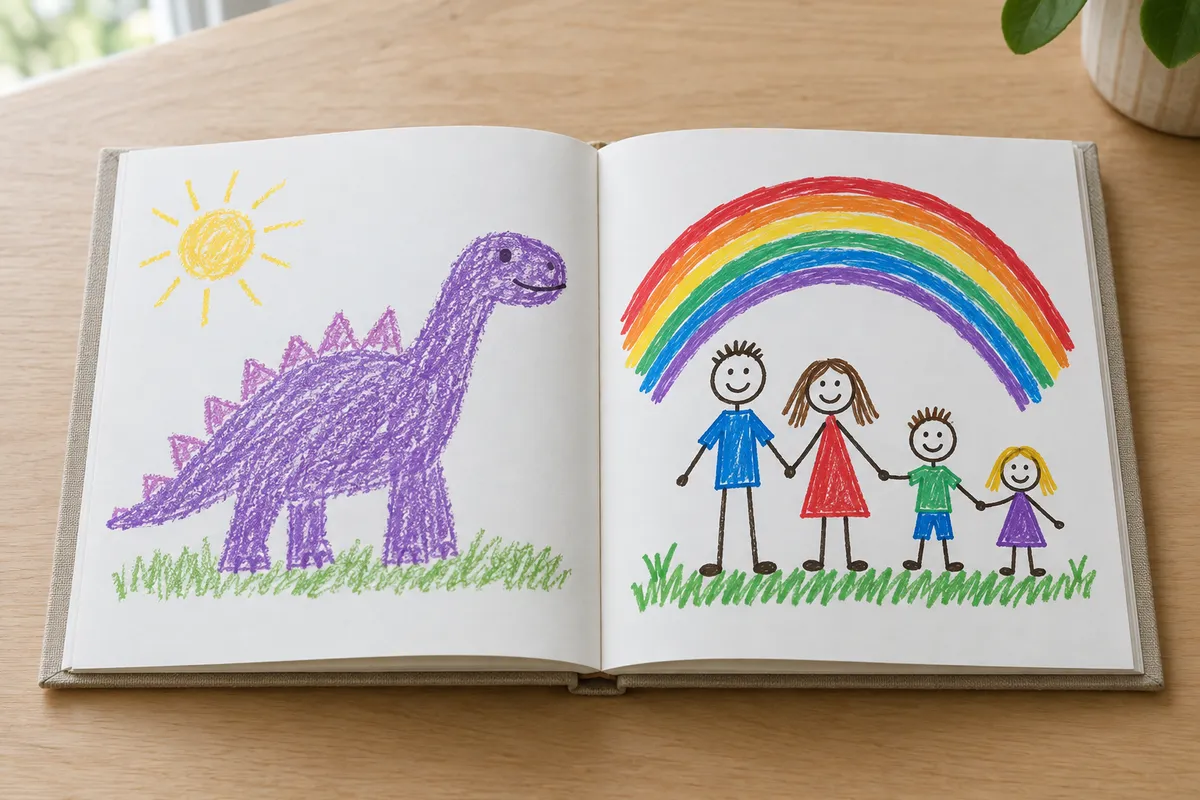
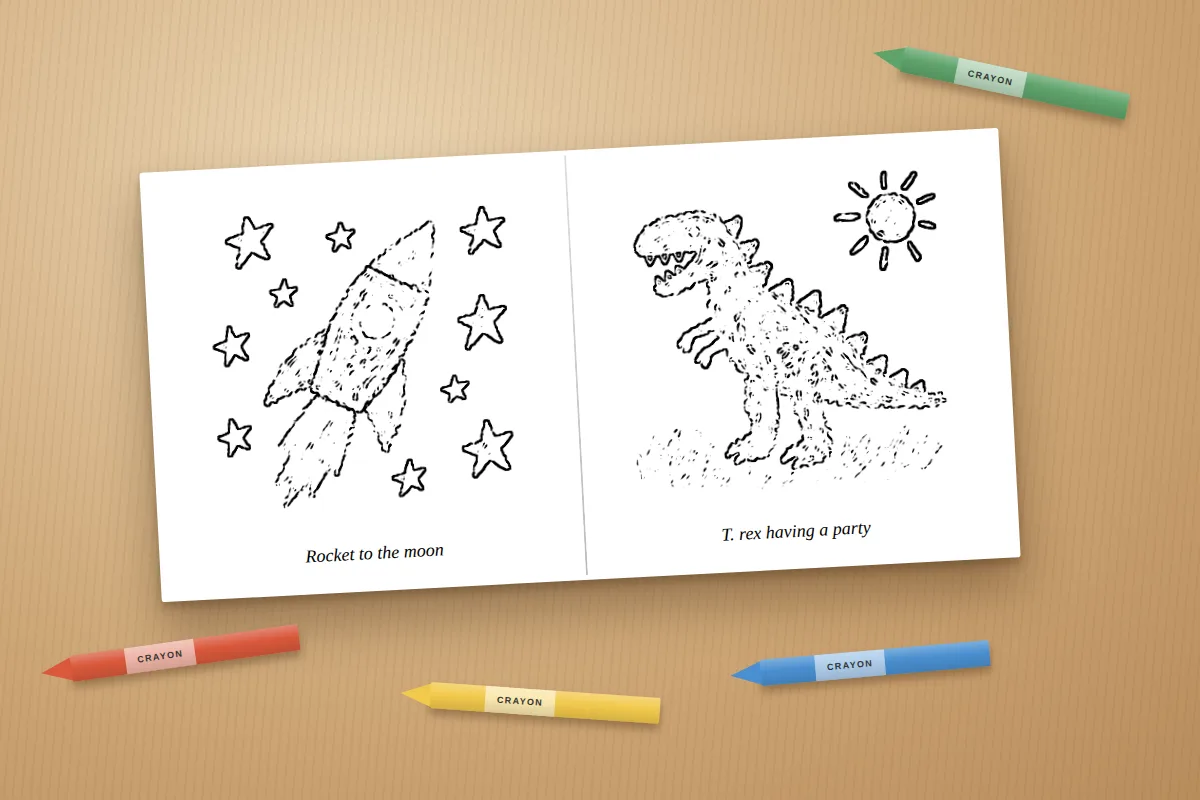
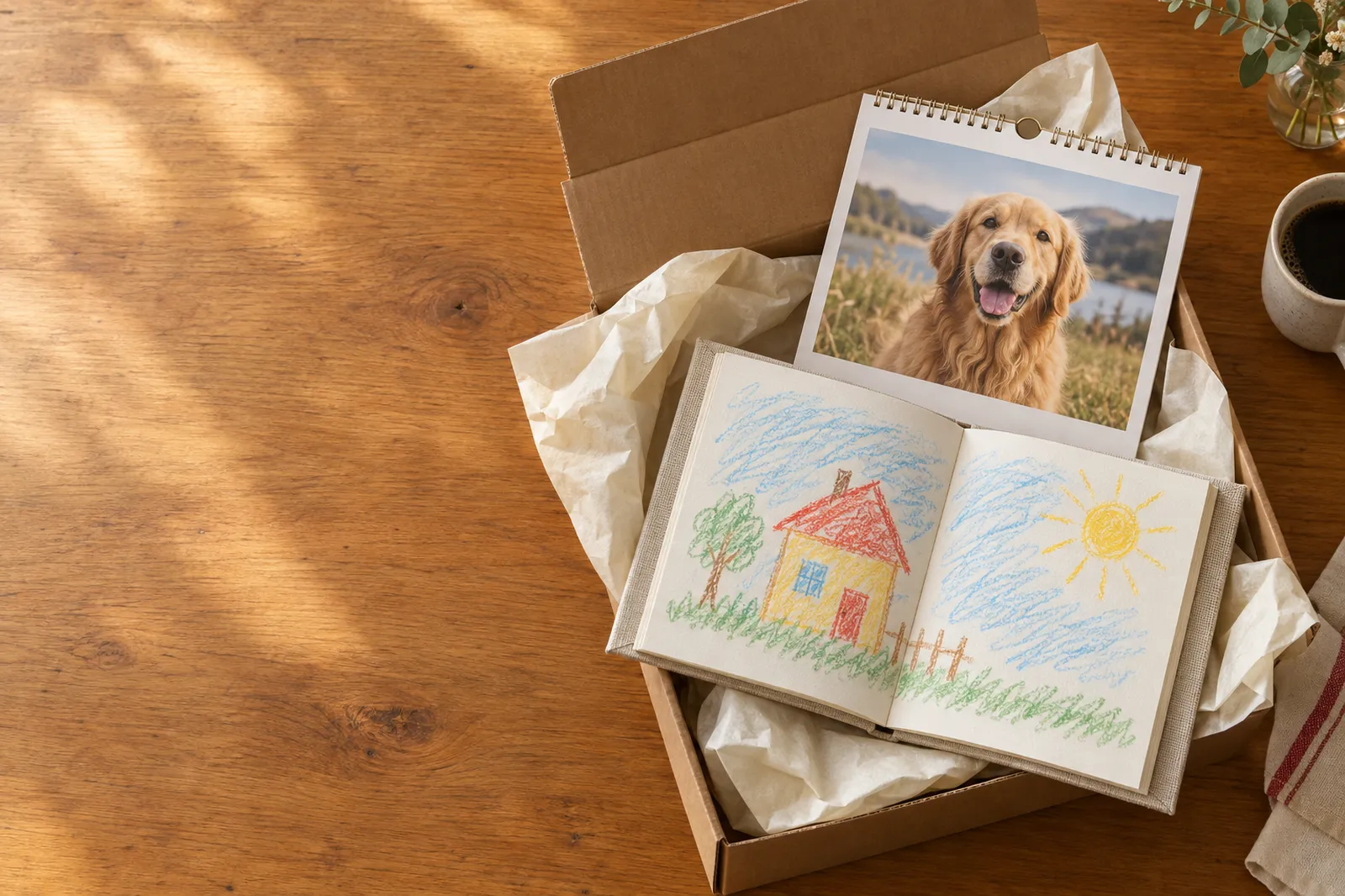
A year of everyone you love.
Turn family moments, pet portraits or a mix of both into a calendar. Crop, rotate, brighten and adjust the colors of each photo before printing. Start any month, with real date grids and holidays. $32 for 12 months or $38 for 18 months, plus applicable shipping and tax.
Good to know
Your photos, your way
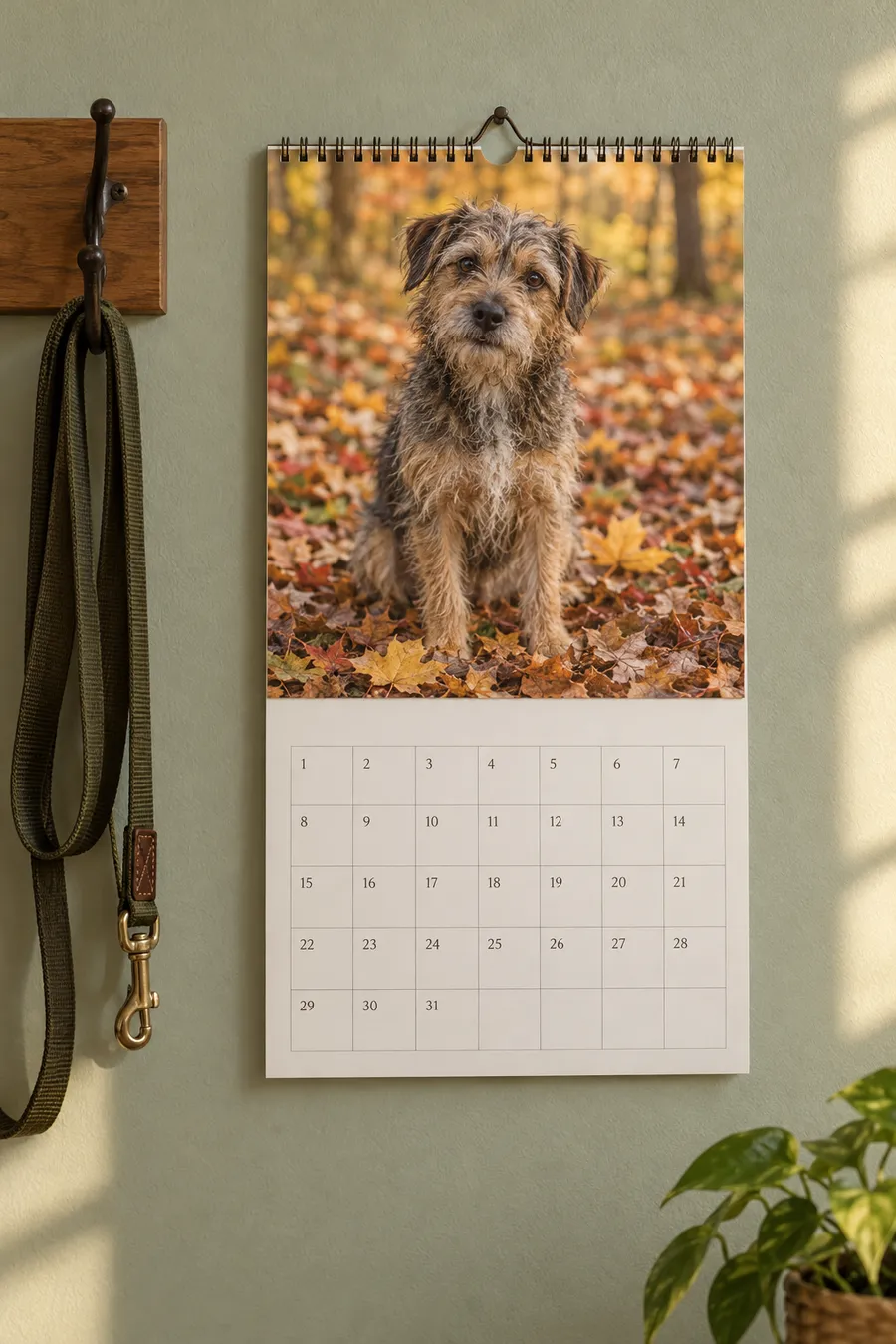
Use family snapshots, pictures of your pets or a mix of both. Each photo prints across the landscape-shaped top half of a page.
- Choose a favorite family photo, pet portrait or group picture for the cover.
- Mix birthdays, holidays, trips, everyday family moments and adventures with your pets.
- Tap Edit under any uploaded photo to crop, reposition, rotate, adjust brightness and contrast, or change color intensity and warmth. Original colors, Vivid, Warm and Black & white presets are included.
- Each month has its own photo spot, so the snow picture can go in January and the pool day in July. Leave one empty and we reuse a favorite so no month is blank.
Questions
Everything else is in the FAQ.
Which holidays are marked?
Major US holidays like New Year’s Day, Memorial Day, Independence Day, Labor Day, Thanksgiving and Christmas, plus Valentine’s Day, Halloween and Mother’s and Father’s Day. You can turn them off.
Can it start mid-year?
Yes. Pick any month from November 2026 through December 2027 and it runs twelve months from there, or eighteen with the 18-month calendar.
Can I pick the photo for each month?
Yes. There is a spot for the cover and for each month: 12, or 18 on the 18-month calendar. Tap a month to choose its picture, or add several at once and they fill the empty months in order. Drag between months to swap.
Can I include family and pets together?
Yes. Use family photos, pet photos or any mix, including several people and pets in one picture. Add your family name, pet names or another calendar title.
Can I resize, crop and edit my photos?
Yes. Tap Edit under a photo, or open Crop, edit & color in Design. Photo size on page makes it smaller or larger (25% to 200%). Enlarge / crop zooms into the picture (100% to 400%), and Position left / right and up / down slide the photo or crop to keep faces in view. Fit whole photo shows the full image; Fill frame fills the available space. You can also rotate, adjust brightness, contrast, color intensity and warmth, or choose a preset. Enlarging does not add image detail. Compare with the original and reset at any time. Your originals stay unchanged, and the edits carry into the printed calendar.